For items in stock, we generally ship the same day your order is placed, during regular business hours and subject to the shipper’s days of operation, if your order is submitted prior to 4:00 PM Mountain Standard Time.
Originally written for: Konica Minolta bizhub C350
Also applies to: Konica Minolta bizhub C351, C450
Date:
Sep 06, 2013
These instructions describe replacement of the waste toner bottle for a Konica Minolta Bizhub C350 and similar models.
Procedure
Turn the printer off and unplug the power cord.
Note: If a finishing option is installed, remove it from the main unit before trying to replace the waste toner bottle. When removing the finishing option, support the horizontal transport unit with your hand to prevent it from dropping.
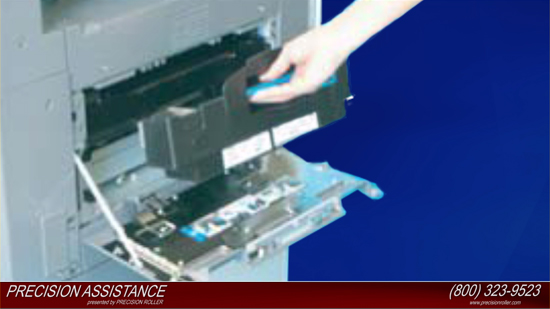
Open the left door.
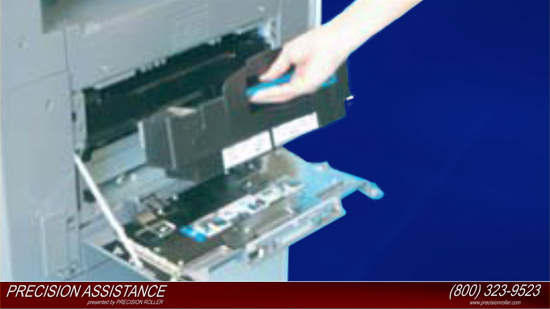
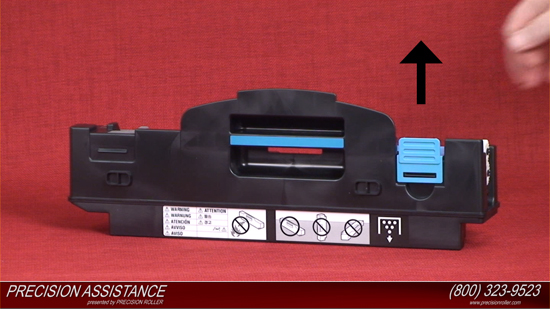
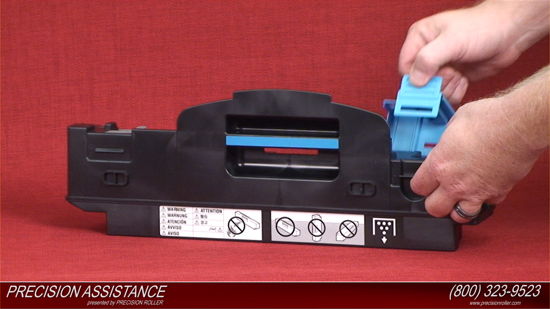
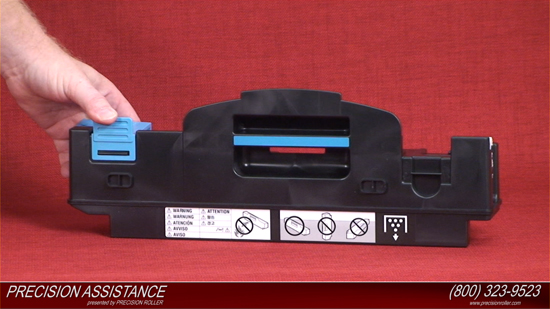
Grasp the handle, and remove the waste toner bottle.
Note: Raise the waste toner bottle gently before removing it.
If scattered toner has accumulated in the vicinity of the toner collecting port, do not tilt the waste toner bottle when removing it.
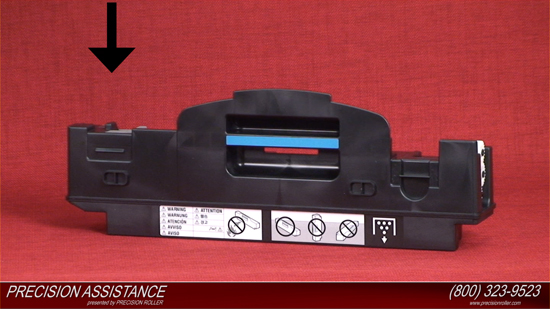
Do not leave the waste toner bottle in a tilted condition after removing it.
Remove the cover of waste toner bottle, and set it on the collecting port.
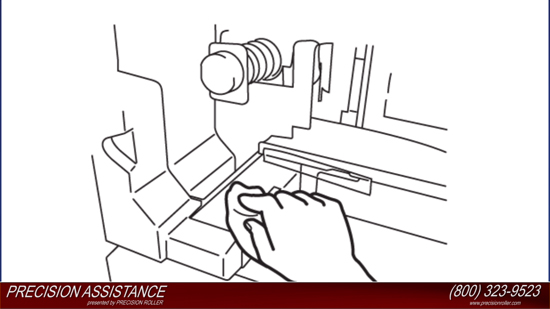
Clean the surface around the waste toner collecting port.
Wipe the areas around the waste toner collecting port and clean off spilled toner or dirt using a soft cloth dampened with water or alcohol.
Remove the waste toner bottle from its box, and remove the packing material.
Grasp the handle, and set the waste toner bottle in place.
Individual brands are copyrighted by their respective owners. Precision Roller is in no way affiliated, sponsored or endorsed by these copyright owners or their affiliates or dealers.
This website uses a secure server to encrypt all sensitive information.










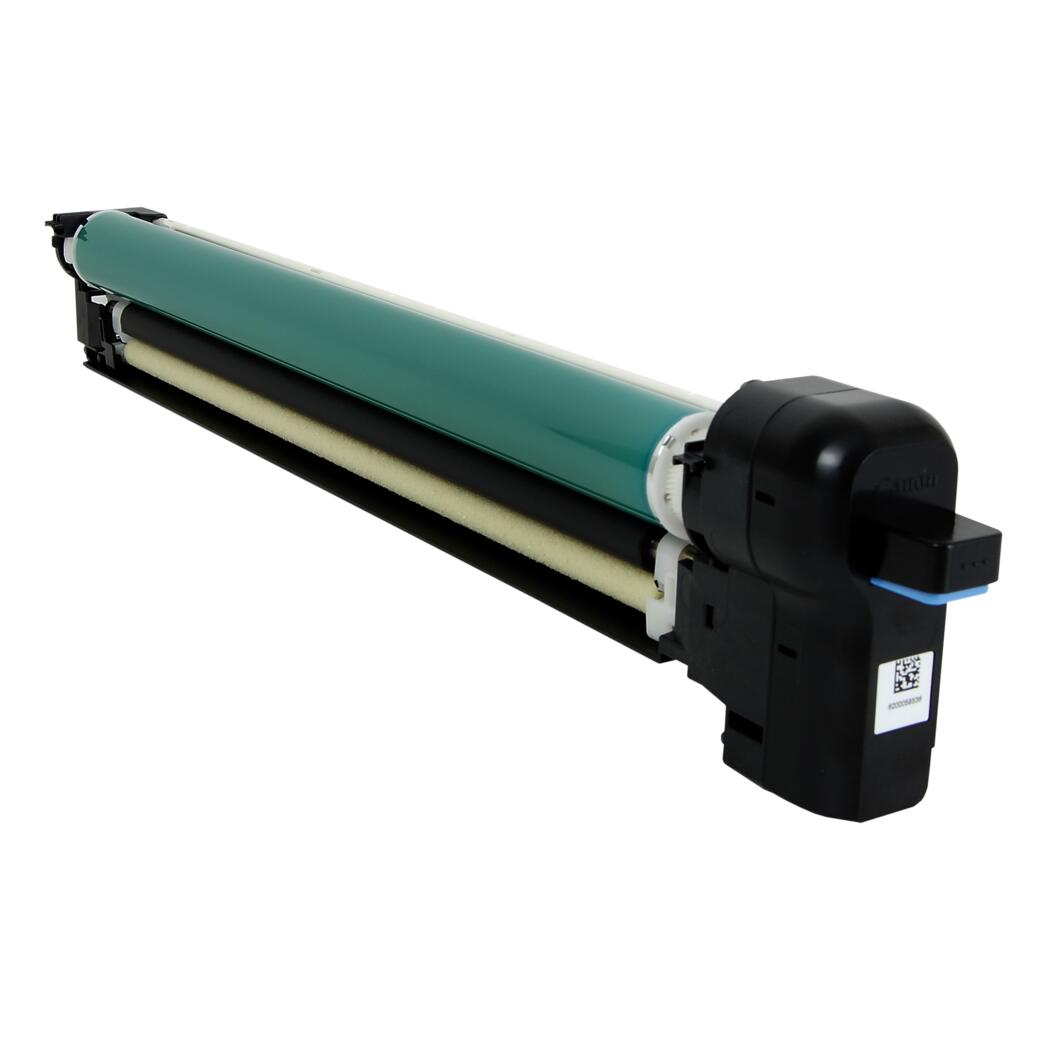 Canon Drum Unit