Cleaning the Toner Cartridge Area
Cleaning the toner cartridge area can improve the quality of your printed sheets.
WARNING!
Before cleaning the printer, disconnect it from the power source and allow time for the printer to cool.
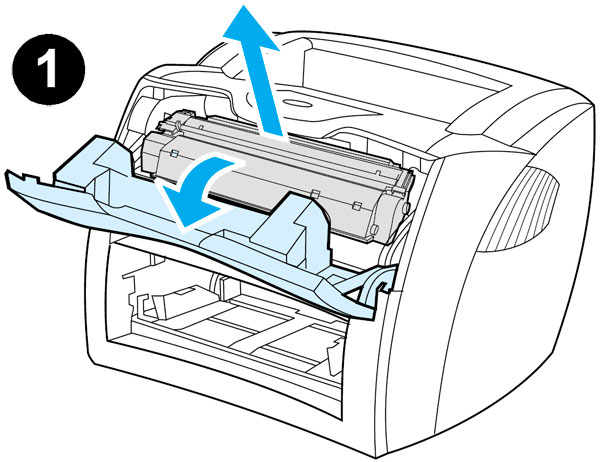
1) Open the toner cartridge door, and remove the toner cartridge.
CAUTION:
To prevent damage, do not expose the toner cartridge to light. Cover the toner cartridge if necessary. Also, do not touch the black sponge transfer roller inside the printer. Touching it can reduce the print quality of output.
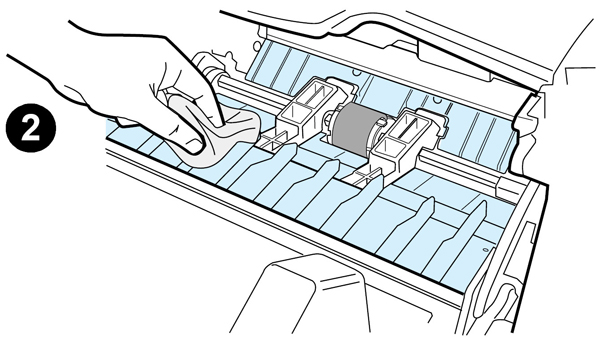
2) Wipe the media path area and the toner cartridge cavity with a dry, lint-free cloth.
Note:
Use only a dry, lint-free cloth to remove dust and toner. Using a vacuum or other device to clean inside the product can damage it.
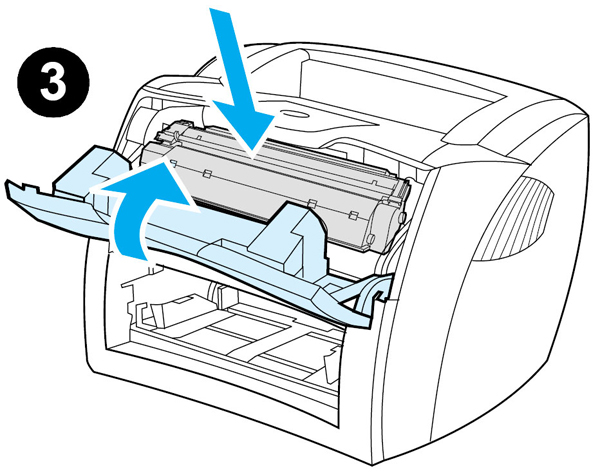
3) Replace the toner cartridge, and close the toner cartridge door.
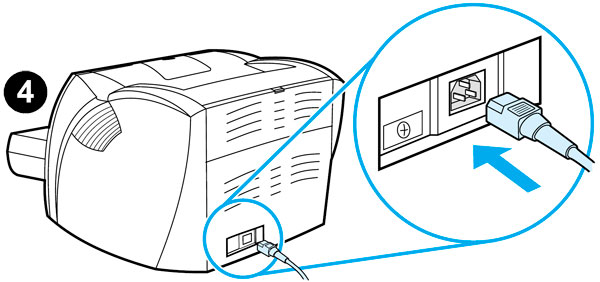
4) Plug the power cord back into the printer.










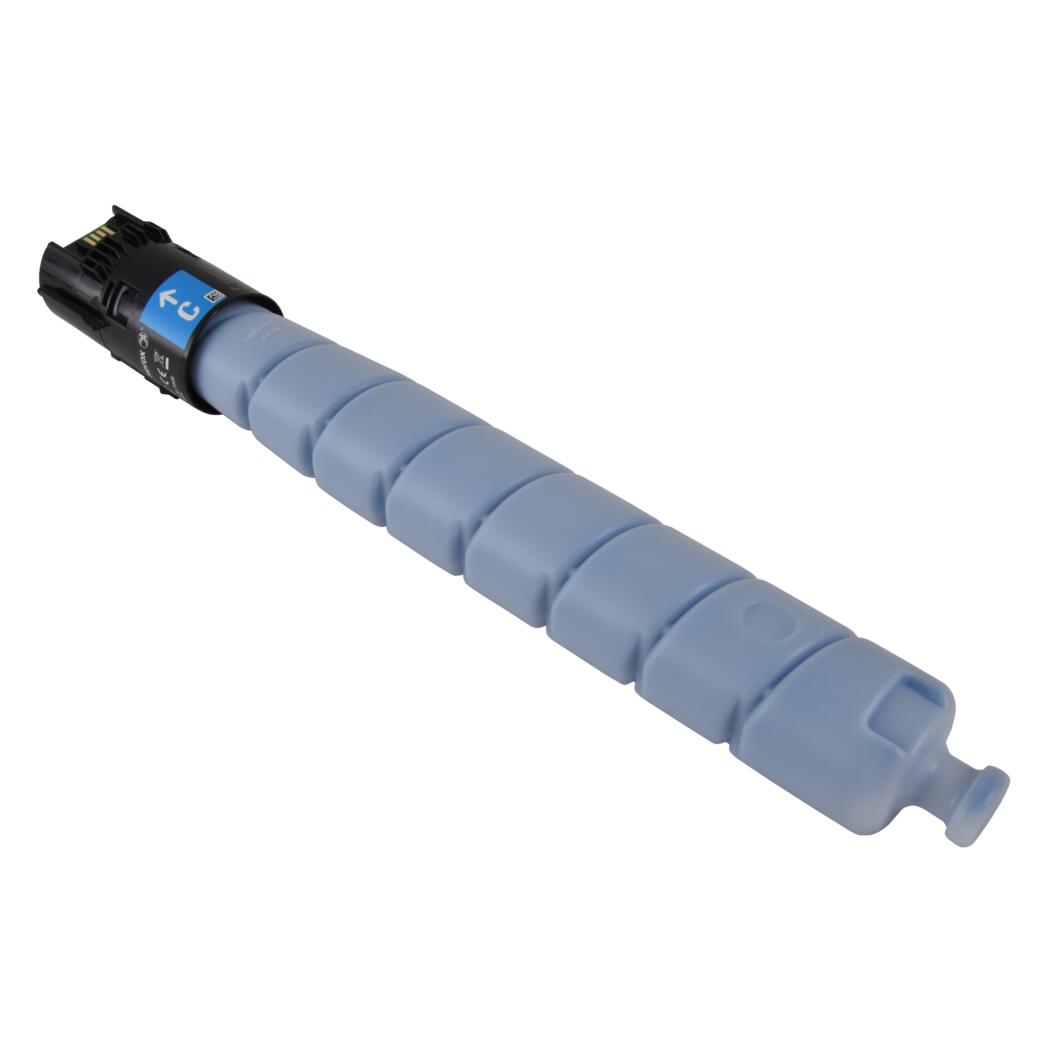 Xerox Cyan Toner Cartridge