Originally written for: HP LaserJet 4000
Also applies to: HP LaserJet 4000n, 4000se, 4000t, 4000tn, 4050, 4050n, 4050se, 4050t, 4050tn
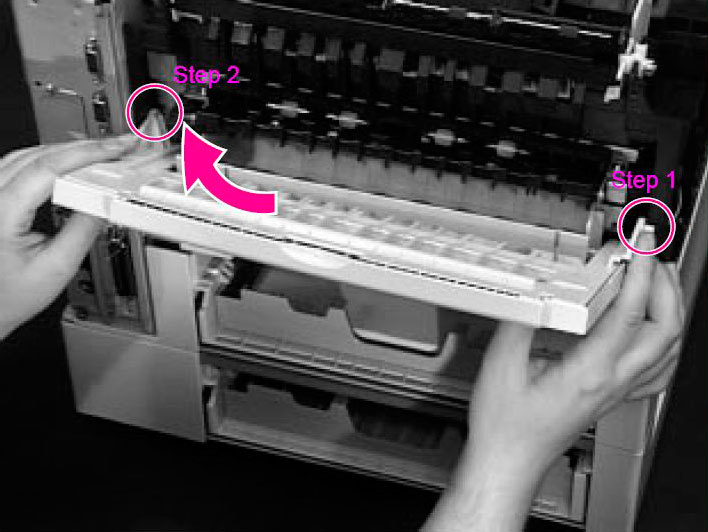
These instructions explain removing the rear cover and output bin of an HP Laserjet 4000 and similar models.
Step 1. Facing the rear of the printer, pinch the right side of the Rear Output Bin and release the hinge from the slot.
Step 2. Rotate the Bin upward and slide it to the right to release the left hinge.
- Publisher: Precision Roller










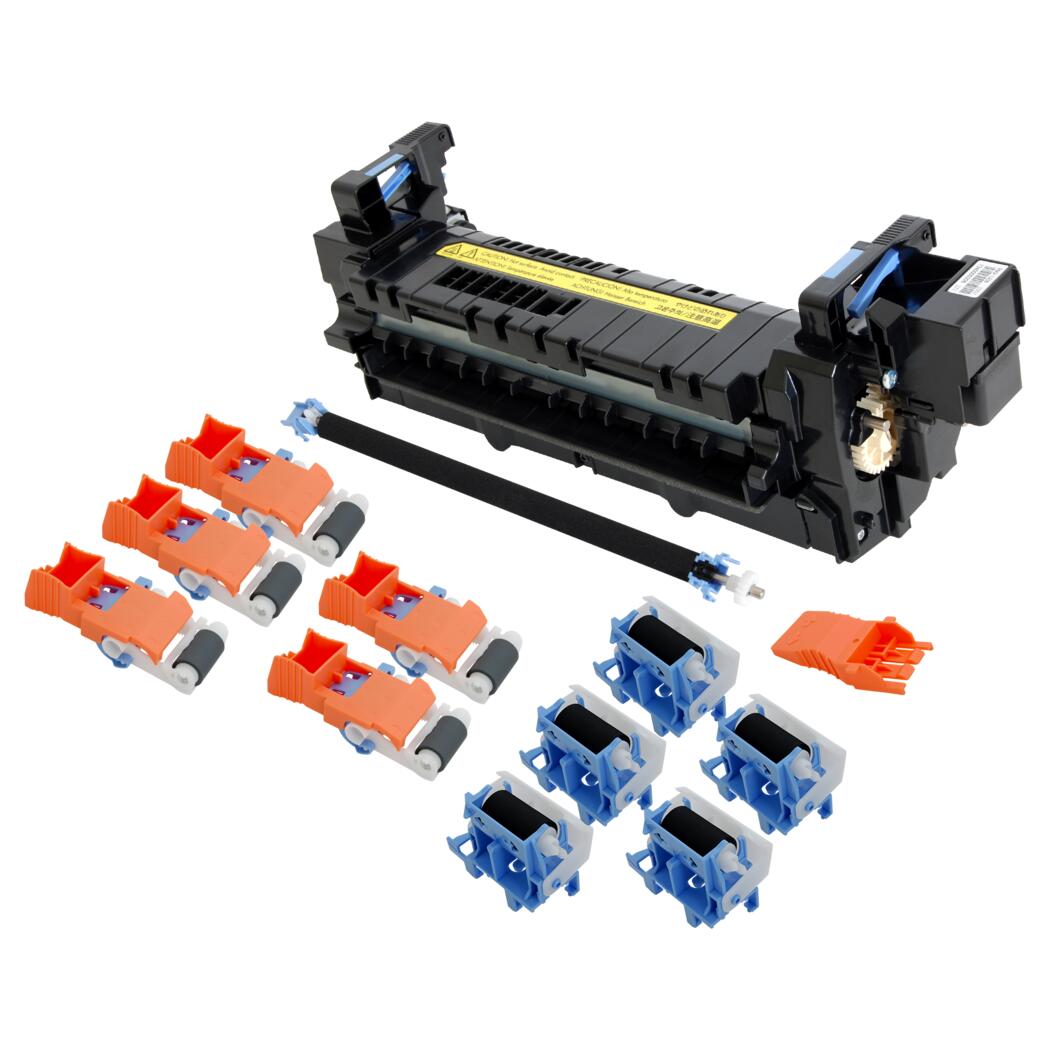 HP Fuser Maintenance Kit - 120V